
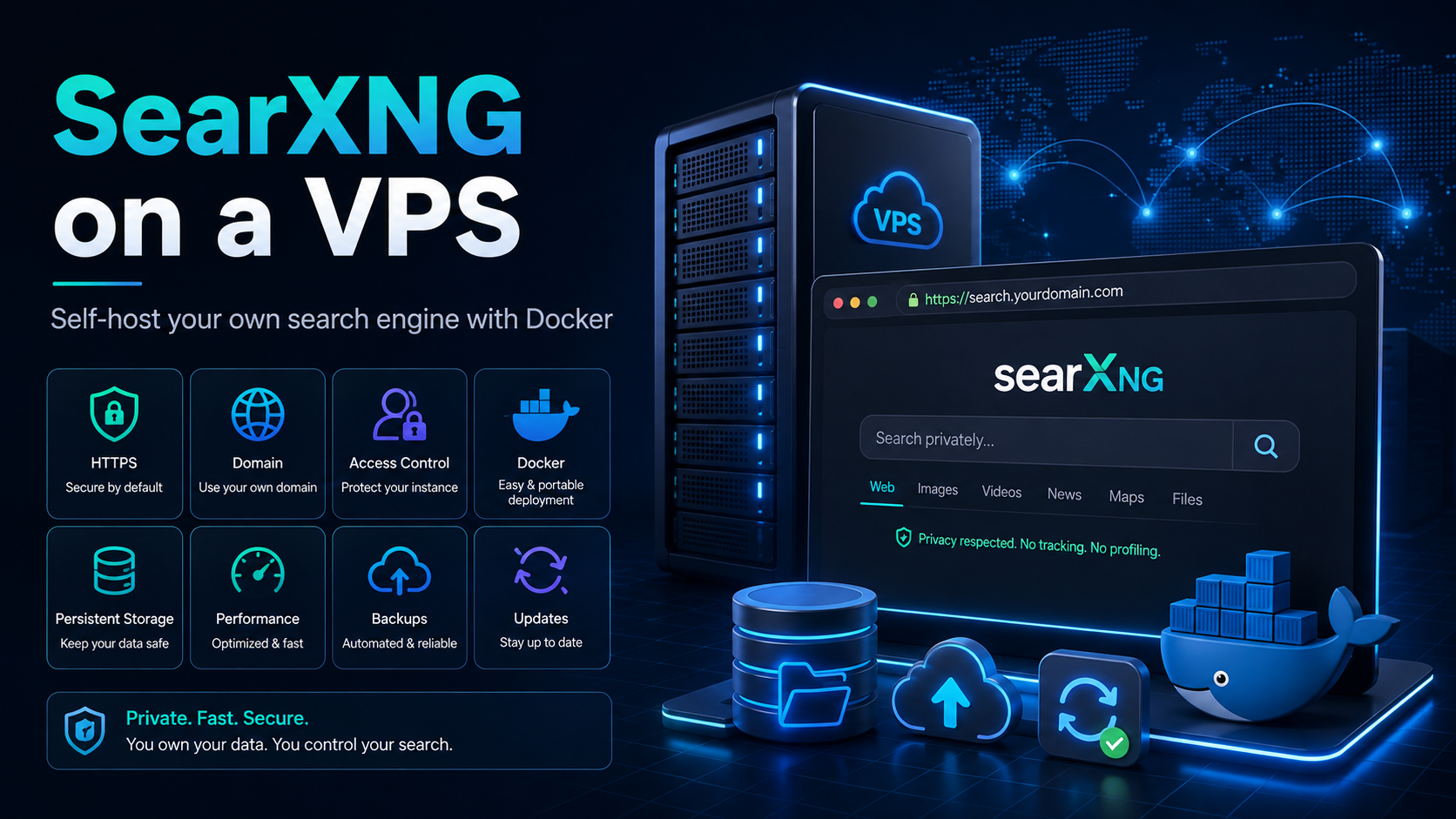
SearXNG: your own tracking-free search engine on a VPS
A conventional search engine can associate a query with an IP address, cookies, and activity history. SearXNG changes the route: the browser connects to your instance, which queries several external search engines and combines their responses on one page.
External sources see the SearXNG server address rather than the user's cookies. The service itself does not build an advertising profile. However, this is not complete anonymity: the owner of a public instance can technically keep logs, and after you follow a link, the destination website interacts with the browser again.
We will explore SearXNG's capabilities and install our own instance on a VPS with HTTPS and password protection.
What SearXNG is and how it works
SearXNG is a free, open-source metasearch engine. It does not maintain its own index of websites: the service retrieves results from configured search engines and specialized sources, normalizes them, and displays them in a single interface.
Browser → your SearXNG → search engines
                         ↓
                  combined results
For each query, SearXNG:
- determines the search category: web, images, news, videos, or another category;
- contacts the selected sources on behalf of the server;
- does not send them the user's cookies and uses a randomized browser profile for outgoing requests;
- combines the responses into one results page.
Speed depends on external systems: they may respond slowly, display a CAPTCHA, or block the IP address. SearXNG is a managed intermediary layer, not an autonomous index.
Why SearXNG is more interesting than a single search engine
Different sources in one results page
You can combine general-purpose search engines with specialized sources: encyclopedias, maps, scientific publications, repositories, news services, or image catalogs. This helps when a conventional results page is overloaded with SEO pages or struggles to find niche material.
At the time this article was prepared, the documentation listed 272 integrations, 83 of which were enabled by default. This does not mean that all of them are equally stable.
The set depends on the configuration. A few stable sources usually work faster than enabling everything at once.
Quick commands
Shortcuts let you temporarily select an engine, category, or language:
!wp docker compose       — search Wikipedia
!images northern lights  — search for images
:en !wp proxy server     — search Wikipedia in English
The !! command redirects the user directly to an external search engine. SearXNG protection no longer applies in this mode.
Search for the browser and your own tools
SearXNG supports OpenSearch, so it can be set as the browser's default search engine. An HTTP API with JSON, CSV, or RSS responses is also available if the administrator has enabled the required formats.
A single instance can serve as a search backend for an internal dashboard, bot, research script, or local AI assistant. The API should only be exposed after authentication and rate limits have been configured.
How private SearXNG is
| What it does | What it does not do |
|---|---|
| Does not send browser cookies to external search engines | Does not provide complete anonymity |
| Hides the user's IP behind the server's IP | Does not protect the user after they open a result website |
| Removes third-party advertising and some tracking parameters | Does not guarantee that the owner of someone else's server keeps no logs |
| Can proxy images | Does not replace a VPN, Tor, or browser protection |
A public instance is convenient for trying the service, but you must trust its administrator, and a shared IP address is more likely to be rate-limited.
Your own server gives you control over logs, sources, and access, but it does not make the browser anonymous.
Public instance, home server, or VPS
| Option | Advantages | Limitations |
|---|---|---|
| Public instance | Nothing needs to be installed | Trust in the owner, overload, CAPTCHA |
| Home server | Full control without renting a VPS | The device must run continuously; external access is harder to configure |
| Your own VPS | 24/7 operation, domain, HTTPS, access from different devices | Containers must be updated and security must be monitored |
Your own SearXNG instance is useful for a family, team, developer, or local AI tools. For occasional searches, a public instance is simpler.
What kind of VPS SearXNG needs
The load depends on the number of users, sources, and concurrent queries. Practical starting configurations:
| Scenario | CPU | RAM | Storage |
|---|---|---|---|
| One user | 1 vCPU | 1 GB | 10 GB |
| Family or small team | 2 vCPU | 2 GB | 20 GB |
| API and additional services | 2–4 vCPU | from 4 GB | from 30 GB |
A large disk is unnecessary. Network quality, a stable IP address, and spare RAM are more important.
A Linux VPS from tropic.host is suitable for this scenario: you can start with a small configuration and increase resources as you add users or API access. When choosing a plan, it is more useful to invest in RAM and network quality than to overpay for storage capacity.
Installing SearXNG on a VPS with Docker Compose
This example uses Ubuntu 24.04 LTS, search.example.com, Valkey, and Caddy. Point the DNS A record to the server and open ports 80 and 443.
1. Install Docker and create a directory
sudo apt update
sudo apt install -y docker.io docker-compose-v2 openssl
sudo systemctl enable --now docker

sudo mkdir -p /opt/searxng/searxng
cd /opt/searxng
Create an .env file with the domain and a random secret:
printf 'SEARXNG_HOSTNAME=search.example.com\nSEARXNG_SECRET=%s\n' \
  "$(openssl rand -hex 32)" | sudo tee .env >/dev/null
sudo chmod 600 .env
2. Create docker-compose.yml
name: searxng

services:
  searxng:
    image: docker.io/searxng/searxng:latest
    restart: unless-stopped
    environment:
      SEARXNG_BASE_URL: https://${SEARXNG_HOSTNAME}/
      SEARXNG_SECRET: ${SEARXNG_SECRET}
      SEARXNG_VALKEY_URL: valkey://valkey:6379/0
    volumes:
      - ./searxng:/etc/searxng:rw
      - searxng-cache:/var/cache/searxng
    depends_on: [valkey]

  valkey:
    image: docker.io/valkey/valkey:9-alpine
    restart: unless-stopped
    command: valkey-server --save 30 1 --loglevel warning
    volumes:
      - valkey-data:/data

  caddy:
    image: docker.io/caddy:2-alpine
    restart: unless-stopped
    ports:
      - "80:80"
      - "443:443"
      - "443:443/udp"
    environment:
      SEARXNG_HOSTNAME: ${SEARXNG_HOSTNAME}
    volumes:
      - ./Caddyfile:/etc/caddy/Caddyfile:ro
      - caddy-data:/data
      - caddy-config:/config
    depends_on: [searxng]

volumes:
  searxng-cache:
  valkey-data:
  caddy-data:
  caddy-config:
3. Configure SearXNG
Create searxng/settings.yml:
use_default_settings: true

general:
  instance_name: "Private Search"

search:
  safe_search: 1
  autocomplete: ""
  formats: [html]

server:
  limiter: true
  image_proxy: true

valkey:
  url: valkey://valkey:6379/0
Create searxng/limiter.toml:
[botdetection]
trusted_proxies = [
  "127.0.0.0/8",
  "::1",
  "172.16.0.0/12",
]
The limiter reduces the risk of bots overloading the instance and causing external search engines to restrict its IP address sooner.
4. Add a password and HTTPS
Generate a hash for a strong password:
sudo docker run --rm caddy:2-alpine \
  caddy hash-password --plaintext 'REPLACE_WITH_PASSWORD'
Insert the resulting hash into Caddyfile:
{$SEARXNG_HOSTNAME} {
    basic_auth {
        searchuser INSERT_HASH_HERE
    }

    reverse_proxy searxng:8080 {
        header_up X-Real-IP {remote_host}
    }
}
Caddy stores the hash rather than the plaintext password. Instead of Basic Auth, the service can also be restricted to a VPN.
5. Start the containers
sudo docker compose config
sudo docker compose pull
sudo docker compose up -d
sudo docker compose ps
Open https://search.example.com. Caddy will automatically obtain a TLS certificate, after which the browser will ask for the searchuser username and password. SearXNG logs are available with this command:
sudo docker compose logs -f searxngWhat to configure after startup
Keep only useful sources, choose the language and SafeSearch setting, then add SearXNG to the browser through OpenSearch. To update it, run:
sudo docker compose pull
sudo docker compose up -d
Back up .env, Caddyfile, and the searxng directory. Enable the JSON API only when necessary, and do not leave it without a password and rate limiting.
Common mistakes
| Mistake | Consequence | Solution |
|---|---|---|
| Make the instance public | Bots create load, and the IP is restricted more often | Use a password, VPN, or single sign-on |
| Enable too many sources | Slow results and timeouts | Keep a few stable engines |
| Treat SearXNG as its own index | Some results disappear when external systems fail | Account for its dependence on sources |
| Expect complete anonymity | The destination website can still track the browser | Use browser protection, a VPN, or Tor |
| Run it without HTTPS | Queries and the password are transmitted insecurely | Use a reverse proxy with TLS |
Conclusion
SearXNG combines different sources in one interface, reduces personalization, and provides a single search service for a browser, scripts, or local AI. A public instance is enough to try it. For regular use, your own server with HTTPS, authentication, a limiter, and a small set of stable sources is a better choice.
You can start with 1 GB of RAM. Increase resources as the number of users grows, when enabling the API, or when running additional containers.
FAQ
Is SearXNG completely anonymous?
No. It hides some data from external search engines, but the instance administrator can keep logs. After you open a website, its own tracking mechanisms apply.
Is SearXNG better than Google?
It solves a different problem. Google is usually faster and personalizes results more heavily. SearXNG gives you more control, lets you combine sources, and depends less on a user profile.
Can I use SearXNG without a VPS?
Yes. You can use a public instance, home computer, NAS, or mini server. A VPS is needed for 24/7 access from any network.
How much RAM is required?
For one user, starting with 1 GB is reasonable. For a family, team, API, or additional containers, 2–4 GB is preferable.
Can SearXNG be connected to a browser or AI?
Yes. A browser can use OpenSearch, while applications can use the HTTP API. API access should be protected with authentication and a limiter.