
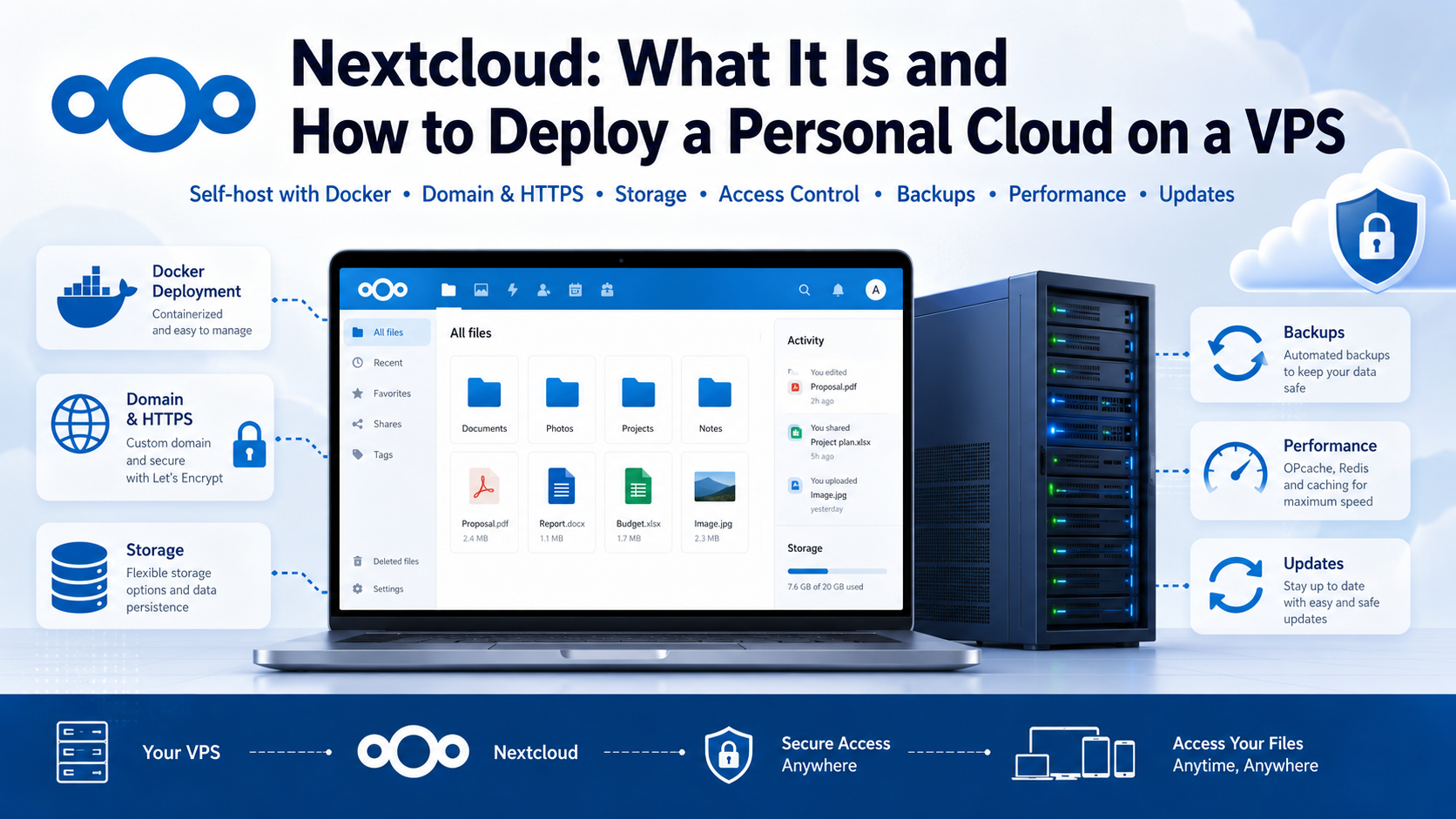
Nextcloud: your own cloud for files and collaboration
The contract is in your email, its latest version is on your laptop, your photos are stored on your phone, and the team calendar runs in a separate service. Nextcloud brings files, documents, contacts, tasks, and communication together in one place. Its main difference from a conventional cloud service is that you control the server, storage capacity, user accounts, and access rules.
Let us look at who can benefit from Nextcloud, how it differs from Google Drive and Dropbox, how many resources it needs, and how to install it on a VPS.
What Nextcloud is in simple terms
Nextcloud is an open-source platform for storing, synchronizing, and sharing files. It can be installed on a home server, NAS, office hardware, or VPS, while users connect through a browser, Android and iOS apps, or a client for Windows, macOS, and Linux.
From the user's perspective, everything looks familiar: you can create folders, upload files, send links, and synchronize data. The difference is under the hood. In a public cloud, the provider controls the infrastructure. With Nextcloud, you choose where the data is stored, who gets access, and how much space each user receives.
Control does not automatically mean security or savings. You will need to update, protect, and back up the server yourself.
What Nextcloud can do besides storing files
Synchronization between devices
The desktop client synchronizes selected folders with the server. The mobile app can automatically upload photos and videos. At the same time, you do not have to keep the entire archive on every laptop: it remains accessible through a browser.
Links, File Drop, and version history
You can share a file or folder with a user, a group, or through a public link. A link can have a password, an expiration date, and permissions for viewing, downloading, or editing.
The File Drop feature is especially useful. For example, an accountant can create a link for collecting documents: every client can upload a file, but cannot see the folder contents or other people's data. Nextcloud also supports federated sharing, which provides direct access between users on different Nextcloud servers.
The system keeps previous versions of modified files, while deleted data first goes to the trash. This helps undo an accidental change, but it does not replace a separate backup.
Documents, calendar, and video calls
Nextcloud Office lets users edit documents, spreadsheets, and presentations in a browser. Groupware adds a calendar, contacts, an email client, and Deck task boards. The Mail module connects to an existing mailbox; it does not create its own mail server.
Nextcloud Talk provides chats, audio and video calls, conferences, and screen sharing. For a family or a small team, this is a way to store files and discuss them within the same system. A large number of simultaneous calls will require additional resources and network configuration.
Nextcloud versus Google Drive and Dropbox
Nextcloud is often described as an alternative to Google Drive, Dropbox, OneDrive, or Yandex Disk. The features are similar, but the management model is different.
| Parameter | Nextcloud on your own server | Public cloud |
|---|---|---|
| Data location | You choose the server and country | Chosen by the provider |
| Capacity | Limited by your disk | Limited by the plan |
| Maintenance | Handled by the server owner | Handled by the provider |
| Extensibility | Nextcloud apps and integrations | The service's ecosystem |
| Setup | Requires configuration | Registration is enough |
A ready-made cloud service is more convenient when you need only a few gigabytes and no administration. Nextcloud becomes more attractive when custom access rules, a large capacity, multiple users, or integration with internal systems are important.
Who can benefit from a private cloud
Nextcloud can be used by:
- a family — for a shared archive, automatic photo uploads, and calendars;
- a freelancer or agency — for sending large files and collecting materials through File Drop;
- a small team — for shared folders, documents, tasks, and calls;
- an organization — when it is important to choose the hosting platform and the country where data is stored;
- a self-hosting enthusiast — as a central storage system with WebDAV and external integrations.
Nextcloud is not suitable for someone who is unwilling to monitor updates and backups. It also does not turn a single VPS into unlimited storage: space for files, versions, the trash, and thumbnails must be calculated in advance.
Where to install Nextcloud: at home or on a VPS
| Option | Advantages | Limitations |
|---|---|---|
| Home server or NAS | Inexpensive storage for large archives on your own drives | Depends on electricity, internet access, and the router |
| VPS | Around-the-clock external access without home hardware | Monthly fee and disk cost |
| Office server | Fast access inside the company | Requires administration and a backup site |
A home server is usually more cost-effective for a multi-terabyte photo archive. A VPS is more convenient when the service must remain continuously accessible from the internet. A hybrid setup is also possible: Nextcloud runs on a VPS, while some data is connected through S3, SMB, SFTP, or WebDAV.
How many resources Nextcloud needs
The load depends on the number of users, preview generation, the office suite, antivirus scanning, search, and video calls. The following practical estimates can be used as a starting point:
| Scenario | CPU | RAM | Disk |
|---|---|---|---|
| Personal cloud, 1–3 users | 2 vCPU | 4 GB | 40 GB for the system and containers, plus data |
| Small team and Office | 4 vCPU | 8 GB | From 80 GB or according to archive size |
| Talk, ClamAV, search, many previews | 4+ vCPU | 8–16 GB | Fast SSD/NVMe with spare capacity |
These are not strict system requirements, but starting configurations. For a file cloud, disk capacity is often more important than an additional CPU core.
Add room for growth, versions, the trash, and thumbnails to the current file size. It is better to store the backup on another server or medium. If 60 GB is already occupied, 70 GB of free space will not last long: allocating 120–150 GB is more sensible.
How to install Nextcloud on a VPS with All-in-One
Nextcloud All-in-One, or AIO, is an official installation method. It includes Nextcloud, PostgreSQL, Redis, and a management panel. You can optionally enable Office, Talk, ClamAV, full-text search, previews, and BorgBackup backups.
For a basic installation, you need a clean 64-bit VPS running Ubuntu or Debian, a domain with an A record pointing to the server's IP address, Docker Engine from the official repository, and free ports 80, 443, 8080, and 8443. Docker installed through Snap is not supported.
Start the master container:
sudo docker run \
  --init \
  --sig-proxy=false \
  --name nextcloud-aio-mastercontainer \
  --restart always \
  --publish 80:80 \
  --publish 8080:8080 \
  --publish 8443:8443 \
  --volume nextcloud_aio_mastercontainer:/mnt/docker-aio-config \
  --volume /var/run/docker.sock:/var/run/docker.sock:ro \
  ghcr.io/nextcloud-releases/all-in-one:latest
Then open:
https://SERVER_IP:8080The browser will warn you about a self-signed certificate. For the first login, use the IP address, save the displayed password, enter the domain, and select the components. AIO will configure a TLS certificate through Let's Encrypt.
Do not enable every add-on unless you need it: Office, Talk, antivirus, and search consume RAM and CPU. Talk also requires additional TCP and UDP ports.
For a production server, the developers recommend the official Compose file because it makes updates and configuration changes easier. The command above is suitable as a clear and quick starting point.
How to protect Nextcloud and avoid losing data
The minimum set of measures is:
- enable two-factor authentication;
- update Nextcloud, apps, containers, and the operating system;
- protect public links with a password and expiration date;
- keep a backup separately from the main VPS;
- regularly test restoration.
The trash, version history, RAID, and a VPS snapshot are useful, but they do not replace a backup. A complete restoration requires the data, configuration, and database; custom apps and the theme should also be preserved. AIO can create daily Borg backups and restore the instance through the panel.
Nextcloud on a VPS from tropic.host
Nextcloud needs a Linux server with continuous internet access, a fast disk, and enough RAM. You can host such a project on a VPS from tropic.host without leaving a separate computer running at home or configuring access through a home router.
For a personal cloud, it is reasonable to start with 2 vCPU and 4 GB of RAM. For Office, several active users, antivirus scanning, or Talk, consider 8 GB of RAM or more. Pay particular attention to disk capacity when choosing a plan: the archive and its growth most often determine the required configuration.
Do not buy the largest server in advance. Start with resources that match the current use case, monitor RAM and free space, and scale as the workload grows.
Brief conclusion
Nextcloud turns a server into a personal or team cloud with file synchronization, links, calendars, documents, tasks, and calls. Its main value is not an attempt to copy Google Drive for free, but the ability to choose the infrastructure and the rules for working with data yourself.
Freedom comes with maintenance responsibilities. With updates, two-factor authentication, and separate backups configured properly, Nextcloud can become a permanent digital workspace for a family, freelancer, or team.
FAQ
Is Nextcloud free?
The server version is open source and available free of charge. The server, domain, backup storage, and commercial support, when needed, are paid separately.
Can Nextcloud replace Google Drive?
For storage, synchronization, file sharing, and collaborative editing, it can in many scenarios. The available feature set depends on the installed apps and server configuration.
Can Nextcloud be installed without a domain?
Yes, for a local network. For secure access over the internet, using a domain and HTTPS is more convenient. AIO can also offer a free dynamic subdomain through deSEC.
How much disk space should be reserved for Nextcloud?
In addition to the files themselves, account for versions, the trash, thumbnails, and archive growth. A practical reserve is 30–50% above the current size, while the backup is best stored separately.
Is synchronization a backup?
No. Deletion, corruption, or encryption of a file can be synchronized to other devices. You need an independent backup of the data, configuration, and database.