
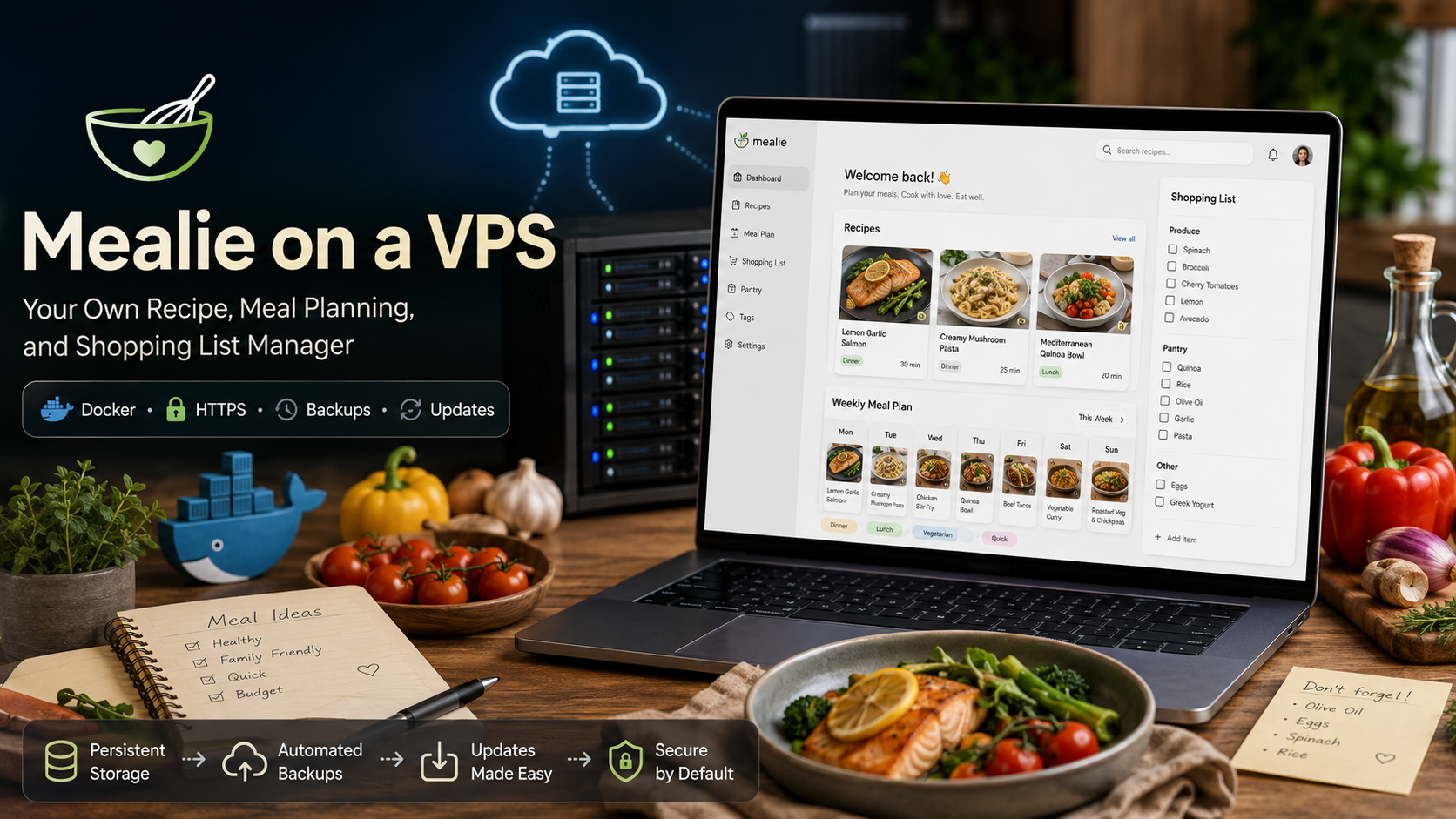
Mealie: Your Own Recipe Book, Meal Planner, and Shopping List on a VPS
One recipe stays in your bookmarks, another in a chat, a third in a screenshot, and a fourth has to be found again on a website among ads and a long introduction. Mealie brings everything together in one place: paste a link and get a recipe card with ingredients, instructions, and a photo. You can then add the dish to your calendar and move the ingredients to a shared shopping list.
Below, we will look at what Mealie can do, who it is useful for, what kind of server it needs, and how to launch your own recipe manager on a VPS with Docker Compose.
What Is Mealie?
Mealie is a free self-hosted application for storing recipes, planning meals, and managing shopping lists. The service runs on your own server, so you decide where the database is stored, who gets access, and how backups are created.
The interface opens in a browser on a computer or phone. Recipes can be created manually, imported from websites, organized into categories and cookbooks, added to a weekly menu, and shared with family members.
The main difference between Mealie and a folder of notes is that everything is connected. A recipe can be added to a meal plan, linked to a shopping list, filtered by tags, and used in automations through the API.
Mealie's Main Features
Importing a Recipe from a Single Link
The user pastes a URL, and Mealie tries to extract the dish name, number of servings, ingredients, steps, and image. Instead of another bookmark, you get a clean recipe card that can be edited and saved.
This feature is especially useful for websites where the recipe is surrounded by ads and unnecessary text. If a page uses non-standard markup, some data may need to be corrected manually.
Mealie can also transfer collections from Paprika, Tandoor, Nextcloud Cookbooks, and several other recipe managers. You do not have to start with an empty library.
Importing from a Photo, Text, or Video
An optional AI integration can build a recipe from text, a photo of a cookbook page, or a video link. For videos, the service obtains a transcript and then extracts the ingredients and sequence of steps.
This feature requires a compatible AI provider. You can connect an external API or your own OpenAI-compatible service, such as Ollama. Before enabling it, consider the cost of requests and the selected provider's data-processing policy.
Meal Planner and Shopping List
Dishes are arranged by day and meal type. You can add a recipe, a note such as “leftovers from yesterday,” or a random dish based on a rule—for example, selecting only quick dinners on Fridays.
Ingredients from recipes are transferred to the shopping list. Items can be checked off from a phone and grouped by store section. As a result, Mealie becomes not just an archive, but a practical tool for the entire week.
Family Access and Automations
Mealie supports users, groups, and households. A family can use a shared recipe collection while keeping separate meal plans and shopping lists where needed.
The REST API, notifications, and webhooks make it possible to connect the service to other systems. The official Home Assistant integration, for example, displays upcoming meals in the calendar and works with the shopping list.
Who Is Mealie For?
Mealie is useful when recipes are scattered across websites, notes, and photos; the menu has to be rebuilt from scratch; several people use the same grocery basket; control over your own database matters; or automations are needed.
The service may be excessive if you have only a few regular dishes and no desire to maintain Docker. Self-hosting removes dependence on someone else's cloud account, but the server still has to be updated, secured, and backed up.
What Kind of Server Does Mealie Need?
In the official Docker Compose configuration, the container is limited to 1,000 MB of memory. A small installation can run on 1 vCPU and 1 GB of RAM, but a VPS with 2 GB provides headroom for Linux, Docker, a reverse proxy, and updates. Disk space is used mainly for photos and backups.
| Scenario | CPU | RAM | Disk |
|---|---|---|---|
| Personal database with SQLite | 1 vCPU | 1 GB | 10–20 GB SSD |
| Family, HTTPS, and other containers | 1–2 vCPU | 2 GB | 20 GB SSD or more |
| PostgreSQL or many users | 2 vCPU | 2–4 GB | 20 GB SSD or more |
These are practical starting values, not a strict official minimum. If AI runs through an external API, the computations are not performed on the VPS. Resources for a local model must be calculated separately.
SQLite or PostgreSQL
SQLite is simpler and is recommended by the Mealie documentation for 1–20 users with a small number of simultaneous operations. For a personal or family installation, it is usually the best place to start.
PostgreSQL is worth choosing for high concurrent load, when fuzzy search is required, or when data is stored on network-attached storage. SQLite is not recommended on a NAS because database locks and data corruption may occur.
Installing Mealie on a VPS with Docker Compose
The example below uses SQLite. Docker Engine and Docker Compose must already be installed on the server. A 64-bit Ubuntu or Debian system on amd64 or arm64 is suitable.
1. Create a Directory
sudo mkdir -p /opt/mealie
cd /opt/mealie
sudo nano docker-compose.yml
2. Add the Configuration
services:
  mealie:
    image: ghcr.io/mealie-recipes/mealie:v3.24.0
    container_name: mealie
    restart: unless-stopped
    ports:
      - "9925:9000"
    deploy:
      resources:
        limits:
          memory: 1000M
    volumes:
      - mealie-data:/app/data/
    environment:
      ALLOW_SIGNUP: "false"
      PUID: "1000"
      PGID: "1000"
      TZ: "Etc/UTC"
      BASE_URL: "https://recipes.example.com"

volumes:
  mealie-data:
Replace TZ and BASE_URL with your own values. As of August 29, 2026, the current release is v3.24.0. Before installation, check the latest version and use a specific tag instead of latest so that an update does not happen unexpectedly.
3. Start Mealie
sudo docker compose up -d
sudo docker compose ps
Open http://SERVER_IP:9925. The default login is [email protected], and the password is MyPassword. Change the administrator credentials immediately.
4. Enable HTTPS
For permanent access, connect a domain, place Nginx, Caddy, or Traefik in front of Mealie, and issue a TLS certificate. After that, bind the port to localhost:
ports:
  - "127.0.0.1:9925:9000"
If the service is needed only at home, you can avoid publishing it on the internet and access it through a VPN.
What to Configure After Launch
Change the password, make sure open registration is disabled, and create accounts for family members. Then add a few simple tags—for example, “quick,” “freezer-friendly,” and “dinner.” An overly complex structure only gets in the way at the beginning.
Import several real recipes, check the servings and units of measurement, add dishes to the planner, and create your first shopping list. This makes Mealie's main workflow clear in a single evening.
Security and Backups
A public installation needs a strong password, HTTPS, closed registration, and regular updates. The documentation separately warns about API methods that import URLs: without request-rate limits, they can create unnecessary load. It is best to configure a rate limit on the reverse proxy.
Because importing makes the container connect to external addresses, Mealie should be isolated from internal services on a sensitive home network.
The administration panel can create, download, and restore a complete backup. However, Mealie no longer performs automatic scheduled backups. With SQLite, it is also safer to copy the entire /app/data volume to external storage. A backup stored on the same VPS will not protect you if the server is lost.
Mealie's Limitations
Importing depends on a website's markup, so some recipe cards have to be corrected manually. Ingredient scaling may also make mistakes if the original recipe uses free-form text instead of standard units.
The main client is the web interface. It works well in a mobile browser, but native applications are developed separately. In addition, the owner is personally responsible for Docker, HTTPS, updates, and backups.
Mealie is especially effective as a continuous workflow: save a recipe you found, schedule it for a day, and remember to buy the ingredients.
Mealie on a VPS from tropic.host
A home server is suitable if it runs continuously and remote access is already configured. A VPS is more convenient when recipes and the shopping list need to be available from anywhere without forwarding ports through a home router.
For a family installation, you can use a Linux VPS from tropic.host with 2 GB of RAM. This is enough for Mealie, Docker, and a reverse proxy with reasonable headroom. You can start with SQLite, then increase resources or migrate to PostgreSQL as the load grows.
A VPS does not replace backups: the database and recipe photos should be exported separately on a regular basis.
Brief Conclusion
Mealie stores recipes in a clean format, helps plan meals, and combines ingredients into a shared shopping list. Its strongest feature is link-based import, while family access, the planner, and integrations turn the library into an everyday tool.
For personal or family use, a small VPS, Docker, and SQLite are enough. In return, you will need to keep an eye on updates, HTTPS, and backups.
FAQ
Is Mealie Free?
Yes. The project is distributed under the AGPL-3.0 license. Costs may arise for the VPS, domain, and external AI requests.
Can I Import Recipes from Russian-Language Websites?
Yes, if the page contains clear recipe markup. Quality depends on the website; errors can be corrected manually or with AI-assisted import.
How Much RAM Does Mealie Need?
For a small SQLite installation, you can start with 1 GB. For a VPS running Linux, a reverse proxy, and other containers, 2 GB is more practical.
Is a Domain Required?
No. An IP address is enough on a local network or through a VPN. For secure access from the internet, a domain and HTTPS are more convenient.
Which Should I Choose: SQLite or PostgreSQL?
SQLite is simpler and suits most installations with 1–20 users. PostgreSQL is better for high concurrent load, NAS-based storage, or when fuzzy search is required.