
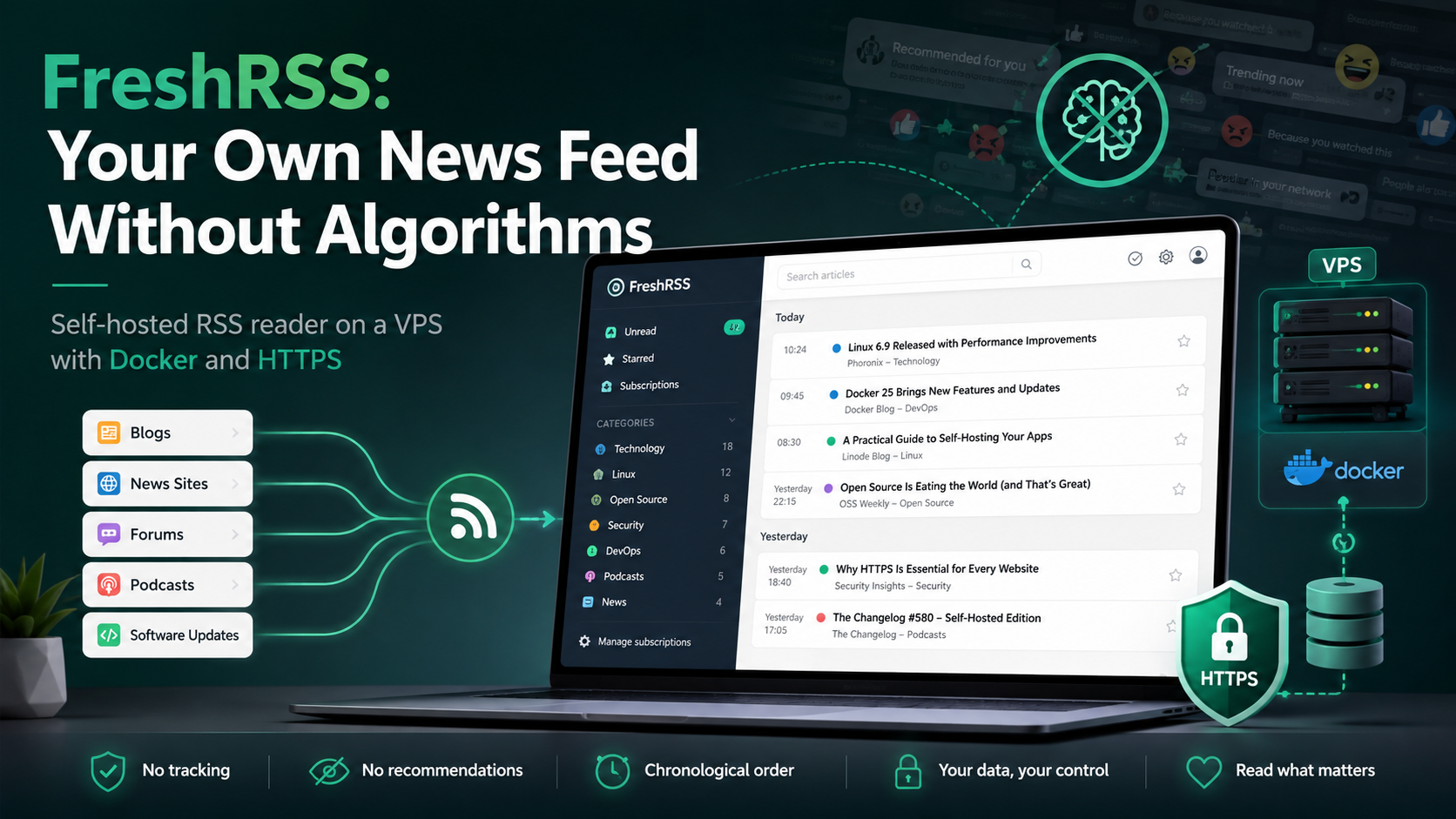
FreshRSS: Your Own News Feed Without Algorithms
Social networks decide which posts to show first. As a result, an important project update can easily be missed while dozens of recommendations take its place. FreshRSS works differently: you choose the sources, and new content appears in a single chronological feed.
FreshRSS can be installed on your own server and used as a unified inbox for blogs, news sites, software updates, forums, podcasts, and other sources that provide RSS or Atom feeds. This guide covers the application's features, server requirements, and installation on a VPS with Docker and HTTPS.
FreshRSS in Five Steps
- Create a Linux VPS and point a subdomain to it, for example
rss.example.com. - Install Docker and Docker Compose.
- Run FreshRSS together with Caddy for automatic HTTPS.
- Open the subdomain, select SQLite, and create an account.
- Import subscriptions from OPML or add websites manually.
After that, the VPS will check sources on schedule even when the user's computer is turned off.
What Is FreshRSS?
FreshRSS is a free, self-hosted RSS and Atom aggregator. Self-hosted means that the application and database run on a server you control rather than on a cloud service's infrastructure.
An RSS feed is a special file that a website updates whenever new content is published. FreshRSS regularly retrieves these files from selected sources and combines their entries in one interface. Unread articles, favorites, and reading history are synchronized across devices.
The main idea is simple: users decide for themselves whom to follow and in what order to view publications. FreshRSS does not rank entries by engagement and does not insert recommended content between subscriptions.
FreshRSS Features
| Feature | What It Is Used For |
|---|---|
| Categories, statuses, and favorites | Separating work, technical, and personal sources |
| Search, filters, and saved queries | Showing only publications on a selected topic |
| OPML import and export | Quickly transferring a subscription list |
| Google Reader API and Fever API | Connecting compatible mobile and desktop applications |
| WebSub | Receiving entries immediately after publication from supported sources |
| Multiple users | Creating separate accounts for a family or team |
| Themes and extensions | Changing the interface and adding features |
| XPath and JSON Feed | Subscribing to some sources without a standard RSS or Atom feed |
A saved query can become a separate topic-based feed, for example one containing only security publications or updates for a particular product. The result can be opened inside FreshRSS or published as HTML or RSS; OPML is also available for feed lists.
WebSub allows a compatible website to notify FreshRSS about a new entry instead of waiting for the next scheduled check. For this to work, the FreshRSS instance must be accessible from the internet through a valid public address.
FreshRSS is especially useful for developers and system administrators: project blogs, releases, incident reports, and security publications can all be collected in one feed. For everyday reading, it replaces dozens of open tabs and keeps the exact read status synchronized across all devices.
FreshRSS System Requirements
FreshRSS requires few resources. It supports SQLite, PostgreSQL, MariaDB, and MySQL, while a manual installation requires a web server and PHP 8.1 or newer. The official description even includes a test running on a Raspberry Pi 1 with 150 feeds and 22,000 articles.
Practical starting configurations:
| Scenario | CPU | RAM | Storage | Database |
|---|---|---|---|---|
| Personal feed | 1 vCPU | 1 GB | 10–20 GB SSD | SQLite |
| Family or small team | 1–2 vCPU | 2 GB | 20–40 GB SSD | SQLite or an external database |
| Many users and a large archive | From 2 vCPU | From 4 GB | From 40 GB SSD | PostgreSQL or MariaDB |
These are guidelines, not strict minimums. Storage consumption depends on the number of sources, publication frequency, and how long history is retained. A VPS is more convenient than a home computer when you need round-the-clock updates, external access, mobile synchronization, and WebSub.
How to Install FreshRSS on a VPS with Docker
In the configuration below, FreshRSS runs behind Caddy. Caddy accepts external requests and obtains a TLS certificate automatically.
You will need a Linux VPS, Docker installed with the docker compose command, a subdomain with an A record pointing to the server's IP address, and open ports 80 and 443.
Step 1. Create a Directory
sudo mkdir -p /opt/freshrss
sudo chown "$USER":"$USER" /opt/freshrss
cd /opt/freshrss
Step 2. Create compose.yaml
services:
  freshrss:
    image: freshrss/freshrss:latest
    container_name: freshrss
    restart: unless-stopped
    logging:
      options:
        max-size: 10m
    environment:
      TZ: Etc/UTC
      CRON_MIN: '3,33'
      FRESHRSS_ENV: production
      TRUSTED_PROXY: 172.16.0.0/12
    volumes:
      - freshrss_data:/var/www/FreshRSS/data
      - freshrss_extensions:/var/www/FreshRSS/extensions

  caddy:
    image: caddy:2
    container_name: freshrss-caddy
    restart: unless-stopped
    depends_on:
      - freshrss
    ports:
      - "80:80"
      - "443:443"
    volumes:
      - ./Caddyfile:/etc/caddy/Caddyfile:ro
      - caddy_data:/data
      - caddy_config:/config

volumes:
  freshrss_data:
  freshrss_extensions:
  caddy_data:
  caddy_config:
CRON_MIN: '3,33' starts feed checks at the 3rd and 33rd minute of every hour. FreshRSS does not update an individual feed more often than approximately once every 20 minutes, so running the task more frequently is usually unnecessary.
Step 3. Create Caddyfile
rss.example.com {
    reverse_proxy freshrss:80
}
Replace the domain with your own. Once the DNS record has propagated and the ports are accessible, Caddy will obtain and renew the certificate automatically.
Step 4. Start FreshRSS
docker compose up -d
docker compose ps
You can inspect the logs with this command:
docker compose logs -f --tail=100Open https://rss.example.com. The installation wizard will check the environment, ask you to choose a database, and create the first user. SQLite is the simplest choice for a personal server because it does not require a separate database container.
Initial Configuration
FreshRSS can often discover an RSS or Atom feed from a website's regular address. If automatic discovery does not work, enter the feed's direct URL. Subscriptions from Feedly, Inoreader, and other readers can be transferred conveniently through OPML.
Immediately organize sources into categories such as “must read,” “work,” “security,” “long reads,” and “background reading.” High-volume news sites should not push genuinely important updates out of the main feed.
To connect an application, enable the API in the authentication settings and set a separate API password in the profile. The Google Reader API address looks like this:
https://rss.example.com/api/greader.phpIt is better not to use the same password for the main account and the API.
How to Avoid Drowning in Unread Articles
FreshRSS becomes most useful after a little configuration:
- keep only important sources in the main feed;
- use filters to mark unnecessary sections as read automatically;
- save search queries for products, authors, and topics;
- review statistics periodically and remove sources that create only noise.
Extensions can add reading-time estimates, word highlighting, image proxying, YouTube embedding, webhook notifications, and article classification through a compatible LLM API. Install third-party add-ons only from trusted sources.
Updates, Security, and Backups
To update the containers, run:
cd /opt/freshrss
docker compose pull
docker compose up -d
Create a backup before a major update. The freshrss_data volume contains user settings and, when SQLite is used, the article database. Also preserve freshrss_extensions if you use add-ons. PostgreSQL, MariaDB, and MySQL require a separate database dump.
Minimum security measures:
- use HTTPS;
- disable open registration after creating the required accounts;
- do not enable anonymous access unless necessary;
- use a separate API password;
- update FreshRSS and its extensions regularly;
- keep a backup outside the VPS.
An OPML export does not replace a complete backup, but it makes it possible to restore the subscription list quickly in any compatible RSS reader.
FreshRSS on a VPS from tropic.host
FreshRSS is a good first self-hosted service: it requires few resources, runs in Docker, and becomes useful immediately after subscriptions are imported. A public VPS provides 24/7 feed updates, access from a phone, and correct WebSub operation.
A small Linux configuration is usually enough for a personal installation. On tropic.host, you can assign FreshRSS its own subdomain, start with an entry-level VPS, and keep the service independent of your home computer. When selecting a plan, stability, archive storage, and backups matter more than a large reserve of processing power.
Conclusion
FreshRSS turns dozens of websites into a manageable personal feed without algorithmic ranking. It supports mobile clients, filters, saved queries, multiple users, WebSub, and extensions while remaining lightweight enough for a small VPS.
You need Docker, a domain, and SQLite to get started. After installation, configure categories, automatic updates, HTTPS, and backups. FreshRSS will then show only the sources you selected and keep control over reading in the user's hands.
FAQ
Is FreshRSS free?
Yes. FreshRSS is distributed under the AGPL-3.0 license. You only need to pay for the infrastructure if the application runs on a rented VPS.
Can FreshRSS be used without a domain?
Yes, by exposing the container port. For permanent use, it is better to configure a domain and HTTPS because this simplifies secure access, mobile synchronization, and WebSub.
How much RAM does FreshRSS need?
For a personal feed, starting with 1 GB of RAM and SQLite is reasonable. A large archive, multiple users, or additional services will require more memory.
Can I add a website without RSS?
Sometimes. FreshRSS supports web scraping through XPath, but the rules must be configured manually. If the website's layout changes, that source may need to be fixed.
What must be backed up?
First of all, back up the freshrss_data volume: when SQLite is used, it contains the article database. Also preserve freshrss_extensions and create dumps of any external database.